 Mighty Tweaks
Drag Edit
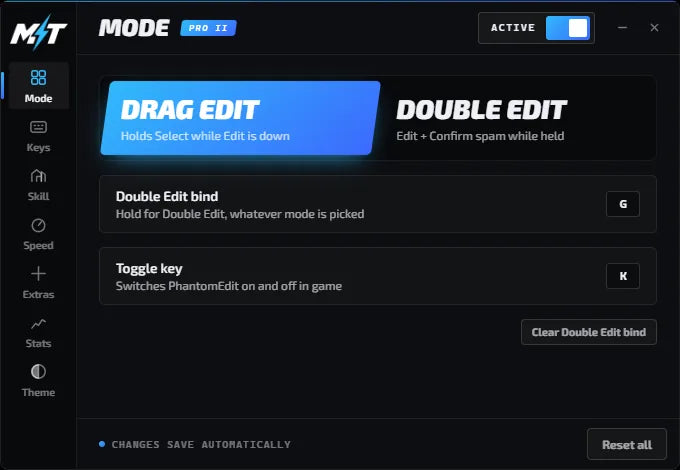
Hold your edit key and drag across tiles. PhantomEdit handles every select for you.
Mighty Tweaks presents
A lightweight Windows app that turns one held key into perfectly timed edit-and-confirm inputs. Tune the speed down to the millisecond and build your own binds.
Features
Start with the essentials, or unlock the full toolkit.
Hold your edit key and drag across tiles. PhantomEdit handles every select for you.
Rapid edit-and-confirm on a single press, with its own separate bind if you want both.
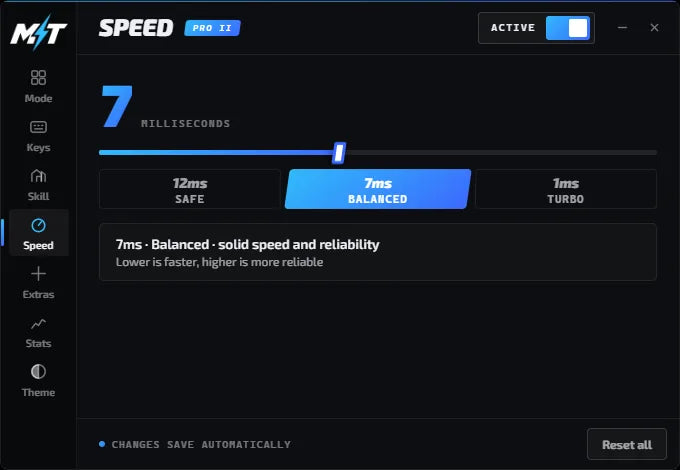
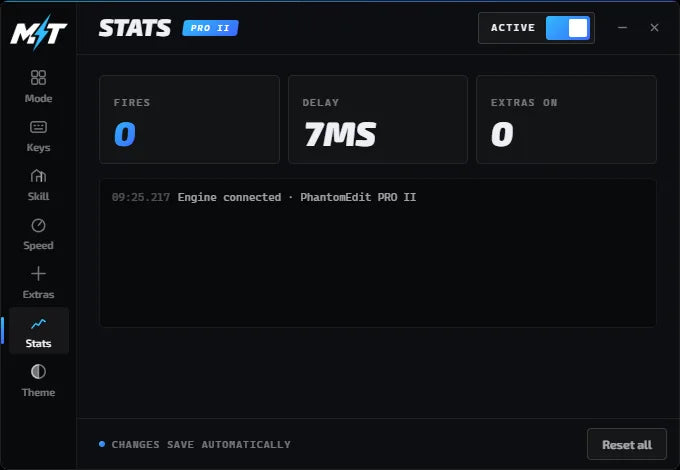
Dial the timing from 1 to 15 ms to match your PC, your ping and your style.
Toggle a spam bind for builds that come out as fast as the game allows.
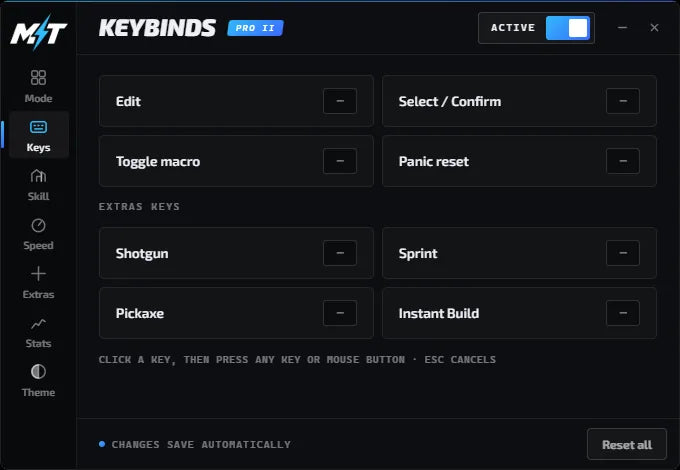
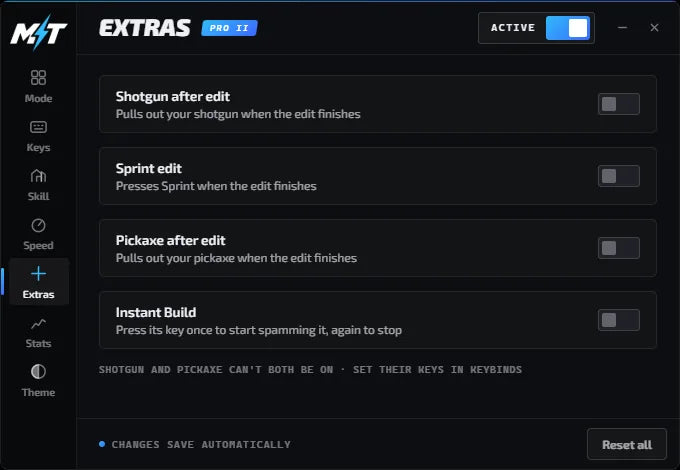
Shotgun pullout, pickaxe pullout and sprint edit fire the moment your edit lands.
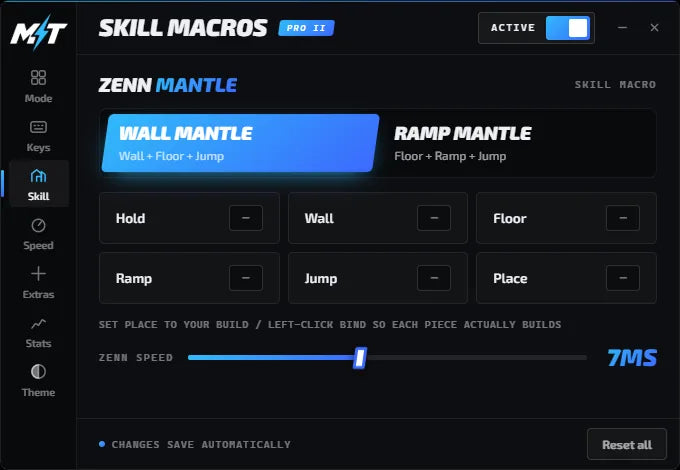
Advanced movement like Zenn Mantle, with more skill macros added in future updates.
Plans
One-time purchase. Your download and license key are emailed right after checkout.
$15.99one-time
The core edit macro.
$19.99one-time
Everything in PhantomEdit, plus:
$24.99one-time
Everything in PRO, plus:
Each key works on one PC. Need to move it to a new PC? Contact support.
How it works
Check out securely through Shopify.
You get a download link and your personal license key.
Extract the zip, open PhantomEdit and paste your key.
Choose your keys and speed, then hop in game.
FAQ
Quick answers below, or see the full FAQ & setup guide.
Right after checkout. Your download link and your license key arrive by email, usually within a minute. Check spam or promotions if you don't see them.
Yes. Windows shows that for new apps it hasn't seen many times yet. Click More info, then Run anyway.
Yes. Buy the higher plan and use the new key with its download. Contact support if you need help.
Many games, including Fortnite, treat macros as against their rules, especially in competitive and tournament play. You're responsible for following the rules of any game you use PhantomEdit with.